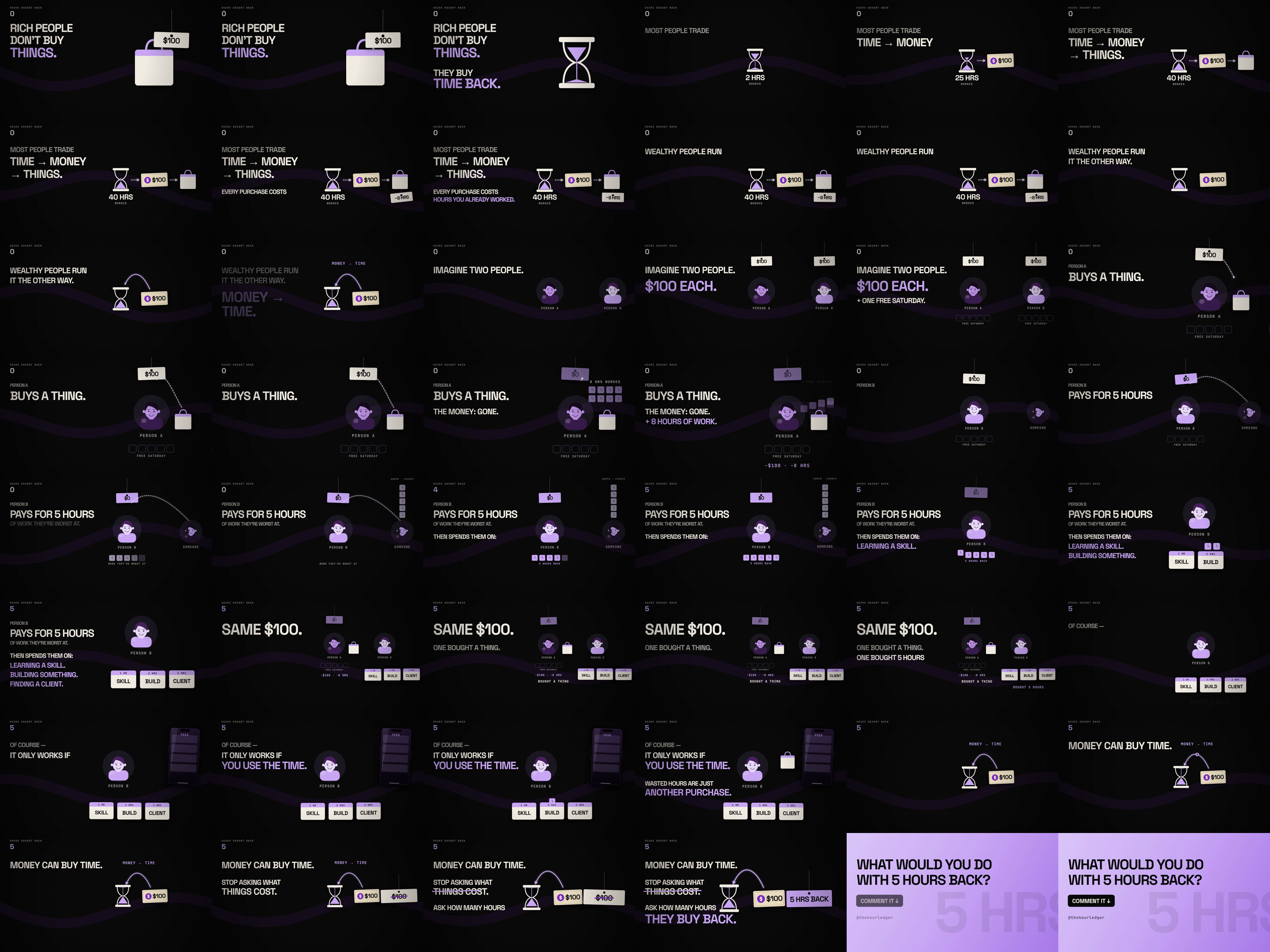
Not a template that looks like this film. The actual code that made it: four complete 16:9 film projects, the shared motion pipeline, the voiceover timing tools, the soundtrack generator and the rules we animate by. Edit the words and numbers, run the render, post the MP4.
Everything below is the working source of the films on this site, cleaned up and documented. Nothing is a mock-up of a file that doesn't exist.
Episodes 001, 003, 004 and 005, all 16:9: every scene, every cue, the soundtrack and the render script. Start from any of them and swap in your own story.
Headlines that slam on the word, tags that swing and flip, receipts, phones, avatars, live counters, lines that draw themselves, and a camera that moves between objects, with quick cuts between scenes.
Finds every pause in your voiceover, tightens or cuts lines, and keeps every animation landing on its word after you edit the read. ElevenLabs script and settings included.
Builds the music and hits from the same cue list as the picture, so every slam has a sound. Mixes your voice in and levels it to TikTok loudness.
Every render also writes a contact sheet, one frame on every cue word, posters and a light preview, so you catch collisions and late cues before you post.
A step-by-step START HERE guide that takes you from unzip to your first render, plus the Motion Playbook: the rules behind the films and a ready prompt for your AI coding assistant.
This is the helper behind every headline in Episode 005. Your AI assistant can read it, and so can you.
One money idea, one sentence with tension: “That night out wasn’t $80.” Record your own voice or use an AI voice.
The timing tool finds where each phrase starts. You give the important words names, and those names become your cues.
Change the text, prices and cues in the scene file, or describe the change to your AI assistant with the playbook prompt.
One command draws every frame, builds the soundbed, mixes your voice and exports a 1920×1080, 60fps MP4.
Look over the contact sheet, fix anything that collides, and post.
If you want drag-and-drop templates for CapCut, this isn't it. You'll be editing code files, with or without AI help.
It isn't a course and it isn't a promise of views, followers or brand deals. Your first film still takes real work: your idea, your script, and an afternoon of learning how the files fit together. The kit removes the animation, sound and timing work, not the thinking.
You don't need to write code from scratch, but you will open and edit code files. An AI coding assistant can make most changes if you describe them in plain English, and the playbook includes a prompt for exactly that. If you've never opened a terminal, start with a free tutorial first.
No. The motion is already built: you change what appears and when, not how it moves. The playbook explains why each move works, so your own changes still look right.
No. The format is faceless by design: objects, numbers, receipts and a voiceover.
Yes. Episode 005 on this page was rendered by these files. The kit is that same project, documented and packaged.
As a zip download. The kit isn't on sale yet: join the list above and you'll get an email the day it launches.
Instantly. After payment you land on your download page, and we email you the link too (10 downloads per order). Buying on your phone? Open that email on your computer later, where you'll use the kit. Payment is handled by Stripe.
You can ask for a full refund within 14 days of purchase, no questions asked. See the refund policy.
Yes. Make as many videos as you like for your own channels. Don't resell or share the kit itself.
The four films are about money, but the motion (slams, tags, counters, camera moves, drawn lines) works for any topic built on numbers: business, psychology, self-improvement, sports stats.